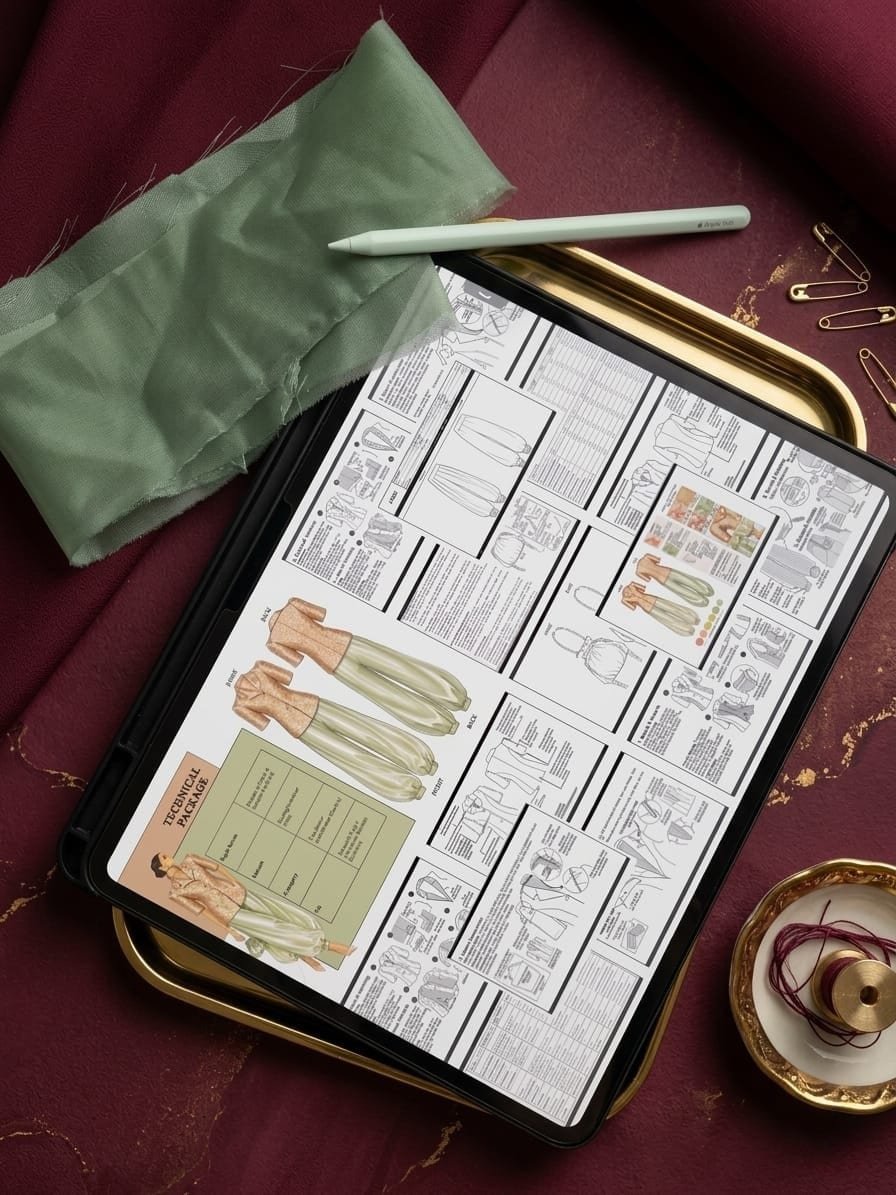
Tech-pack mistakes become visible as questions, paused quotations, incorrect samples, repeated comments or bulk instructions that no longer match the approved reference. The useful response is not to add pages at random. It is to identify which product decision is missing or contradictory, correct the controlled source and confirm who can safely continue.
Decision comparison
Tech-pack symptoms and the first control to check
Use the visible problem to locate the specification gap. The same symptom can still have more than one cause, so confirm the current revision before changing anything.
| Visible symptom | Likely control gap | Decision or activity blocked | First correction |
|---|---|---|---|
| Supplier cannot quote consistently | Material, construction, quantity or inclusion is provisional | Comparable costing | Mark assumptions and reissue one quotation brief |
| Sample shape differs from the drawing | Flats, measurements or measurement method conflict | Pattern and fit review | Resolve the controlling geometry and update linked pages |
| Wrong trim or colour appears | BOM, colourway or component code is incomplete | Purchasing and assembly | Identify the exact component and approval status |
| Artwork is resized or misplaced | Scale, orientation, landmark or source file is missing | Artwork setup and placement | Issue dimensions, stable placement points and matching artwork |
| Factory follows an old correction | Revision ownership or withdrawal failed | Sampling or production release | Confirm the active issue and withdraw superseded files |
| Approved sample cannot be repeated | Sample, specification and approval records are not linked | Production and quality comparison | Name the governing pack, sample and material references |
1. Using descriptive words instead of measurements
‘Loose sleeve,’ ‘long body’ and ‘small neckline’ mean different things to different people. Replace subjective instructions with finished-garment measurements and clearly drawn points of measure.
If a shape cannot be explained with one number, add a detail sketch, reference curve or pattern instruction. Use one unit system throughout the pack.
2. Flats that disagree with the BOM
A front flat may show snaps while the BOM lists a zip, or the colour page may name a lining absent from the materials list. These conflicts stop purchasing and sampling because the factory cannot know which page is current.
Run a cross-page audit: every visible component should appear in the BOM, and every BOM component should have placement or use instructions.
3. Missing construction and finishing notes
A seam line on a drawing does not identify the seam type, allowance, stitch, edge finish or pressing direction. The sample room may choose its standard method, which can differ from the designer’s quality expectation.
Critical areas for abayas include neck finish, front opening, cuff, pocket reinforcement, side slit, lining attachment and hem. Photograph a benchmark if the finish is difficult to name.
4. Artwork without scale or placement
Factories cannot price or place embroidery from a screenshot. Provide the production file, physical width and height, colour references, technique and distances from stable seam points.
Account for grading: decide whether a motif stays one size across all garments or changes with size. State whether left and right placements are mirrored or identical.
5. Uncontrolled revisions
Sending corrections in several chat messages creates competing instructions. Use one numbered comment sheet, update the tech pack and change the version date. Mark resolved comments instead of deleting the history.
After a fit meeting, verify that the new measurement table, construction notes and artwork pages all reflect the same decision before issuing the next version.
6. The 10-minute handoff audit
Open the exported PDF, not the working file, and review it as a supplier would. Confirm that linked artwork is included, text is legible, units and style codes are consistent, and there are no hidden draft layers.
Finally, list every item still awaiting approval. A clean ‘open issues’ list lets the factory work around known gaps instead of discovering them one by one.
- Style code and version on every page
- Front, back and required detail views
- Measurement method and tolerance
- Complete BOM with colour references
- Construction and artwork instructions
- Packing, label and open-issue status
7. Treat assumptions as controlled open issues
A draft pack may legitimately contain unknown consumption, proposed materials or measurements awaiting a fit sample. The mistake is presenting these assumptions in the same way as approved instructions. A supplier may quote or sample against a placeholder because nothing identifies it as provisional.
Give every unresolved item a status, owner, decision date and affected page. Ask the recipient to acknowledge the open-issue list and state which activities can proceed before closure. When the answer arrives, update the master pack instead of leaving the decision only in email or chat.
- Proposed or approved status
- Decision owner
- Required evidence
- Due date and blocked activity
- Pack pages affected by the answer
8. Define what each sample must prove
A sample request labelled only ‘make first sample’ does not say whether the team is testing silhouette, fit, construction, material, artwork or final production readiness. Reviewers then mix major design changes with minor finishing comments, and the factory cannot tell what is approved for the next stage.
Name the sample stage and acceptance questions before work begins. Record actual measurements, photographed construction details, material references and numbered comments after review. An approved appearance does not automatically approve bulk fabric, graded sizes, packaging or a production process that was not represented in that sample.
9. Diagnose the mistake by its downstream consequence
When a delay occurs, trace it to the decision that could not be made. Missing material identity blocks sourcing or makes quotations incomparable; conflicting flats and construction notes block pattern or sample work; missing measurement methods make fit comments disputed; obsolete revisions create rework after an apparently correct handoff.
Use a simple diagnostic register with the observed question, source gap, affected activity, owner, correction and prevention check. This distinguishes a one-off clarification from a system problem that should change the template or review process.
- Supplier question or failed output
- Missing or conflicting source instruction
- Cost, quality or timing consequence
- Immediate correction owner
- Future preflight check
10. Use a controlled correction workflow
First pause only the work affected by the error and confirm which released revision the supplier holds. Consolidate the correction into one numbered change record, assess whether measurements, BOM, colourways, artwork or cost are also affected, then update the controlled pack and its revision history.
Issue one replacement file with a change summary and withdraw the superseded release from active use. Ask the supplier to acknowledge the new revision and restate any cost or schedule effect before restarting. After closure, add a prevention checkpoint to the relevant internal review rather than relying on memory.
- Confirm current released revision
- Identify every dependent page and file
- Approve the correction and commercial effect
- Issue one dated replacement
- Withdraw superseded instructions
- Record a prevention check
11. Do not use one approval status for every stage
A file can be detailed enough for an early quotation without being approved for a fit sample, and a fit-approved garment may still have unresolved bulk fabric, artwork, labels or packaging. Calling the entire pack final hides which decisions have actually been tested and accepted.
Issue the pack for a named purpose such as quotation, prototype, fit revision, pre-production review or approved production reference. Give materials, measurements, artwork and packaging their own status where necessary. Before the next stage, state which evidence is accepted, which conditions remain open and which work must wait.
- Named issue purpose
- Page or component approval status
- Accepted physical and digital references
- Open conditions and decision owner
- Activities authorised to continue
12. Connect the pack to the evidence it controls
A specification cannot prove that fabric drapes correctly, a closure survives use or an embellished panel behaves on the intended garment. Link the current pack to the labelled sample, material submission, artwork proof, test or inspection record that supports each relevant approval instead of treating the PDF as complete evidence by itself.
Before an approved production route, reconcile the current specification with the accepted sample and commercial documents. Confirm style, colour, size scope, quantity, approved substitutions, labels, packaging and any recorded deviation. A production release should make the governing references identifiable; it should not imply that an untested decision is guaranteed.
Frequently Asked Questions
Questions about this topic
What is the most common tech-pack mistake?
There is no single universal mistake, but vague or conflicting instructions are especially disruptive because the supplier cannot identify which decision is current. Cross-page consistency and visible approval status reduce that risk.
Can a factory start sampling with an incomplete tech pack?
Sometimes, if the missing information is clearly listed, the sample purpose is limited and both parties agree which decisions remain provisional. Unknowns should never look approved.
How should tech-pack corrections be sent?
Consolidate them in a numbered change record, update every affected page, issue a new dated revision and ask the supplier to acknowledge that the superseded file is no longer active.
Does a detailed tech pack guarantee a correct sample?
No. A detailed pack improves the quality of instructions, but the supplier still needs to review capability, ask technical questions and make a representative sample. Fit, material behaviour and workmanship must be evaluated through the relevant physical evidence and approval process.
What should happen when a tech-pack mistake is found during production?
Confirm the active revision and contain only the affected work first. Record the issue, identify dependent pages and units, approve the correction and commercial effect, issue one controlled replacement, and agree how affected work will be checked before restarting.
Apply This to Your Collection
Develop your next product with a clear scope.
Share your category, style count, available files, quantity and target date. Zameett will recommend the most suitable design, technical-development, sampling or reviewed production route.